
📚 How can I adapt the learning path for my class?
Guide students away from games that are too easy

Andrew from Rollama
Last Update 2 months ago
Rollama is fully unlocked from Day 1 to allow players to target their priorities straight away without grinding through inappropriate tasks.
Students can choose any game and any difficulty, with this rough guideline:

1) Enable 'Year Group Mode'
On your Class page, enable this button to hide all activities that aren't specified for your class's Year Group in the National Curriculum. Since many KS2 students have gaps from prior years, we recommend this setting for KS1 only.

2) Hide/Show different content for your Class:
On the Teacher Tasks page, click 'Arrange' to open a list of categories. Untick any lists hide them from your students Quest view. You can also drag and drop to rearrange the order they appear.

3) Set assignments at a certain difficulty level
Teacher Tasks can be directed by medal, which requires students to complete the activity at that difficulty.
Bronze = Level 1
Silver = Level 2
Gold = Level 3
If you're happy for students to practise at any difficulty level, you can set the Goal by 'Practice duration' which requires a certain number of turns, rather than meeting a target score.

Note - You can click the 'i' info button to see the question sets for each level of difficulty.

3) Hide all other games when a student has unfinished Teacher Tasks
Tick the box on your class management page to hide all games until each student has finished the assignments you have given.

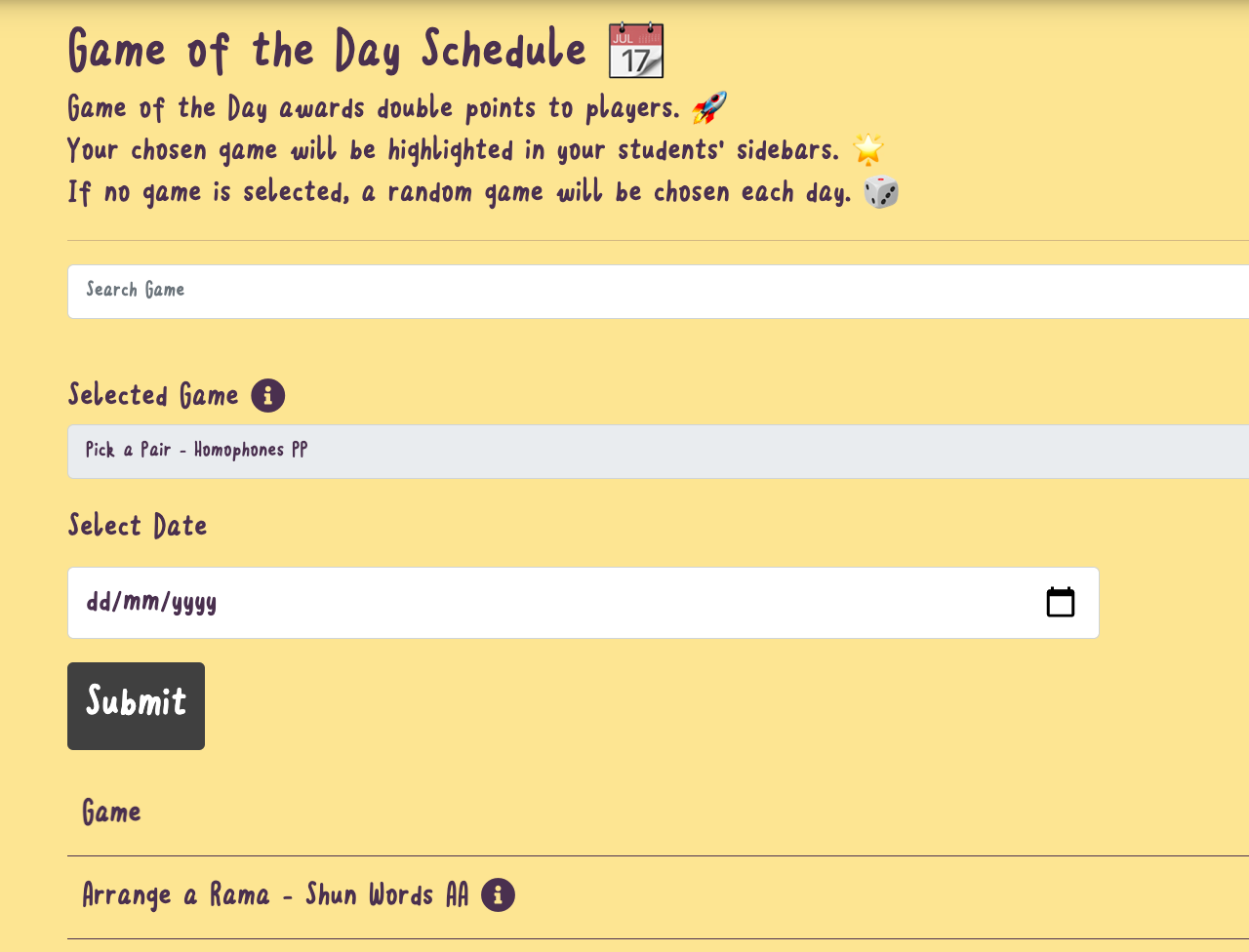
4) Choose a Game of the Day for double rewards
You can search and select a different Game of the Day to emphasise certain objectives to your students.
If you have further ideas about how we can focus students on the right tasks and difficulty levels, please add your idea to our suggestions board: